
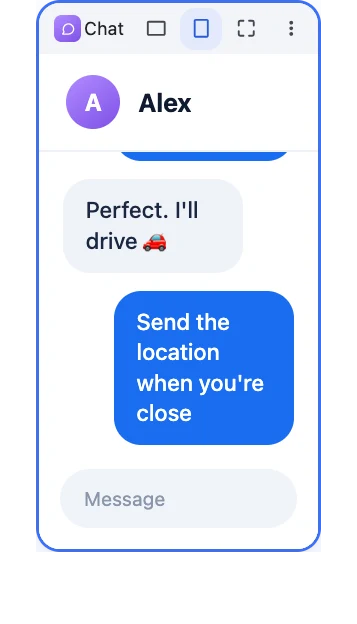
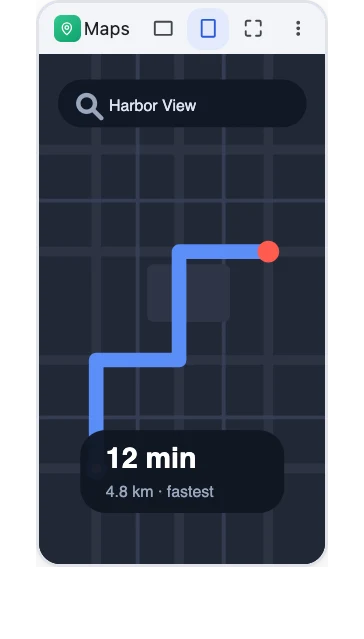
Side by side
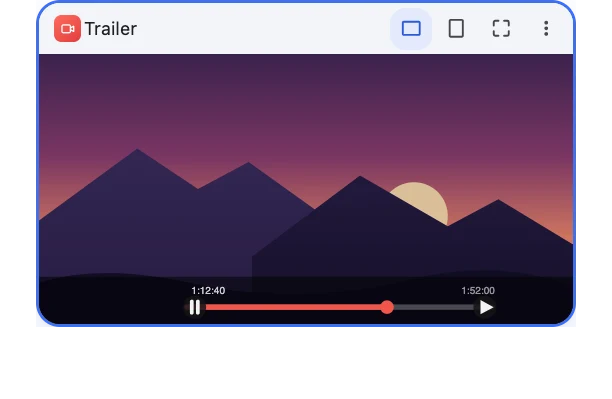
Chat on the left, navigation on the right, video in the middle — every app gets its own window, arranged automatically.
PlainCast
PlainCast opens any app in its own window on the big screen — watch, navigate and chat side by side while your phone stays in your pocket.
PlainCast is rolling out on Google Play in waves. Enter the email address linked to your Google Play account so we can send you the test link.
No spam. Your email is only used to send the test link.
Premium app · Android 14.0+
This is the real web dashboard your big screen sees — open apps, switch any window between widescreen and phone shape, close them again. Go ahead, click around.
Demo runs entirely in your browser — no phone required.
Chat on the left, navigation on the right, video in the middle — every app gets its own window, arranged automatically.
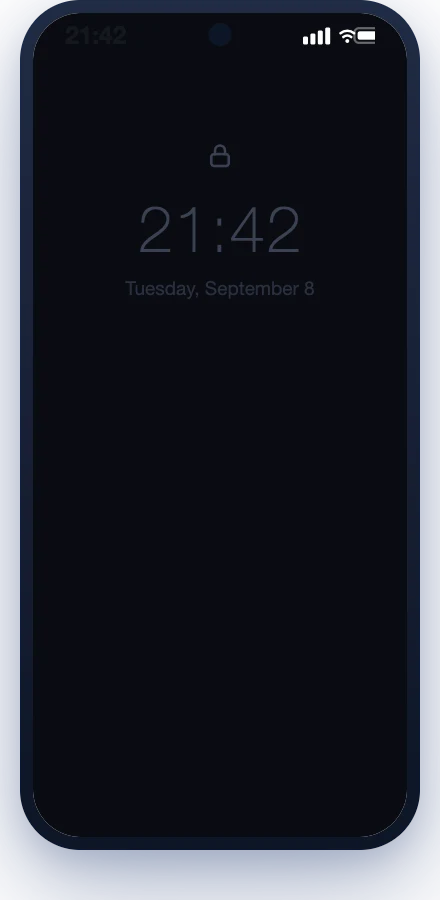
Playback keeps going when the phone screen sleeps — easier on the battery, easier on your eyes.
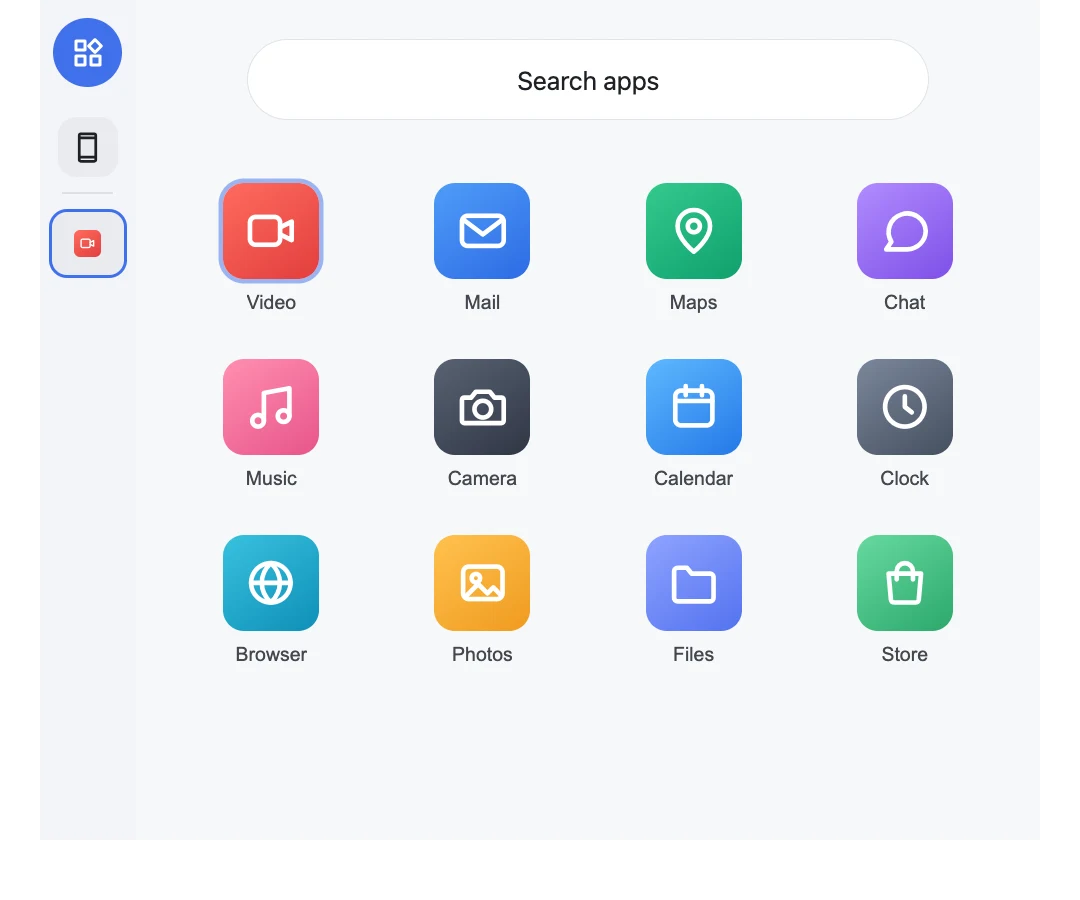
The full app grid lives on the big screen. Launch anything into its own window and control it from your browser.
Direct device-to-device over your own network. Every frame end-to-end encrypted, every new device approved by you.
PlainCast puts your phone's apps on a big screen. Its signature feature, Parallel Screen, opens each app in its own window — so you can watch, navigate and chat side by side. Full-screen mirroring is there too when you want it.
Parallel Screen runs your phone's apps in separate windows on the big screen while your phone stays free for normal use. You can even turn the phone screen off and playback keeps going.
Anything with a modern browser on the same network: smart TVs and set-top boxes, car displays (including Tesla), laptops, tablets and phones.
Yes — the Tesla's built-in browser works. Open the address shown in the app on the car's touchscreen and approve the device, and your apps run right on the car display. Connect the car to the internet (for example through your phone's hotspot) so the page can load.
Install PlainCast, connect your big screen to the same Wi-Fi or hotspot, open the address shown in the app, and approve the device. No cables, no extra hardware.
The first-time setup uses a phone setting called "Wireless debugging", and Android only allows it while the phone is connected to a Wi-Fi network — with only a hotspot, the switch turns itself back off. So for the first-time setup, connect the phone to any Wi-Fi (the hotspot of a computer or another phone counts) or use the Shizuku option. This is only needed once: after that, PlainCast works anywhere, even with just mobile data.
Video, audio and input travel directly between your devices over your local network — never through a cloud server. If your big screen uses your phone's hotspot for its own internet, that traffic counts as usual.
Yes. Everything is end-to-end encrypted, stays on your local network, and every new device must be approved on the phone. Nothing is uploaded or stored anywhere.
PlainCast is a premium app on Google Play with a free trial — try everything before you buy. No ads, no tracking, no data collection.
PlainCast needs Android 14 or later on the phone — iPhones aren't supported, since iOS doesn't offer the APIs required. The big-screen side works with any modern browser.
Yes. Click, scroll and type right from the big screen — your input goes straight to the phone. The phone's touchscreen keeps working too.
PlainCast is made by the PlainApp team. PlainApp is a full phone-management suite; PlainCast is a focused screen-mirroring app built for the big screen.
PlainCast opens any app in its own window on the big screen — watch, navigate and chat side by side while your phone stays in your pocket.
PlainCast is rolling out on Google Play in waves. Enter the email address linked to your Google Play account so we can send you the test link.
No spam. Your email is only used to send the test link.
We use cookies and similar technologies to personalize content, serve ads, and analyze traffic. You can accept all cookies or reject non-essential tracking. Essential cookies (e.g. language preference) are always used. Read our Privacy Policy